
Purchase orders suggestions

Table of Contents
Introduction
Logging purchases improves perpetual inventory tracking. Also, RapidStock’s unique supplier order suggestions algorithm makes it easy to plan a purchase order. Just click a button, select the supplier and a pre-filled order will be suggested to you base on your past sales and the minimum on-hand levels values.
Alternatively, you can also enter purchases manually but using the built in supplier orders has a many advantages over manual purchases:
- They make sure you don’t forget products that should be ordered
- They save you a lot of time in purchases planing
- They can be exported in various formats (pdf, excel, etc) or sent by email directly to the supplier
- They let you receive the order with a single click, eliminating the need to manually add purchases
Methods for adding purchases
Manual purchase entry
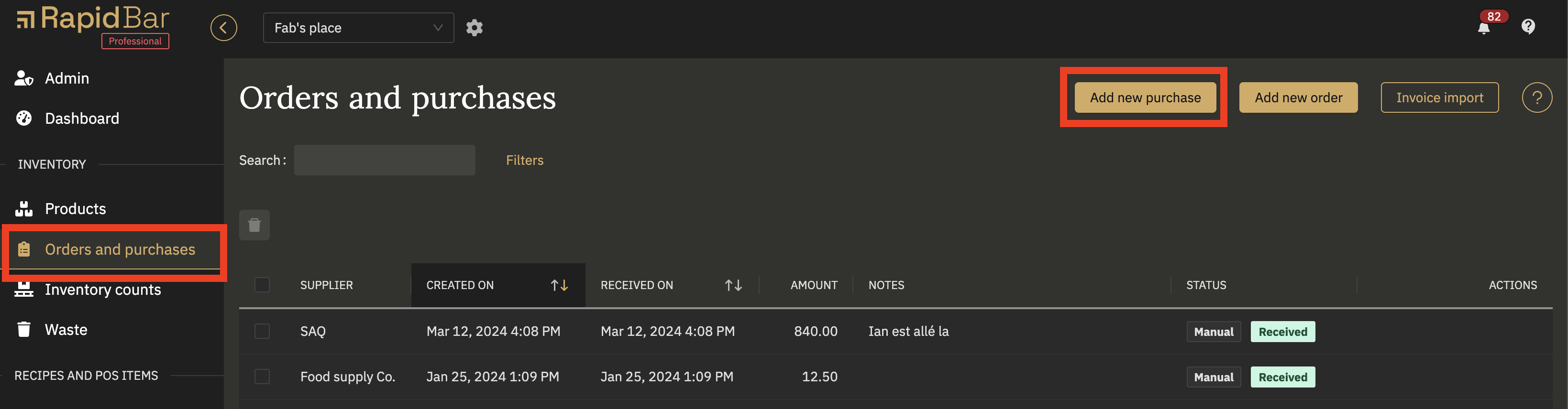
- In the new purchase modal, edit the date of the purchase if different from the displayed date
- (Optional) select a supplier
- (Optional) Add a not or comment
- Type the first few letters of the desired product and select it from the suggestions when it appears
- Enter the purchased quantity
- (Optional) Edit the cost
- Repeat for all other products in the purchase
With this method, the products included in the purchase will be added to your inventory on-hand at the selected date.
Supplier order suggestions
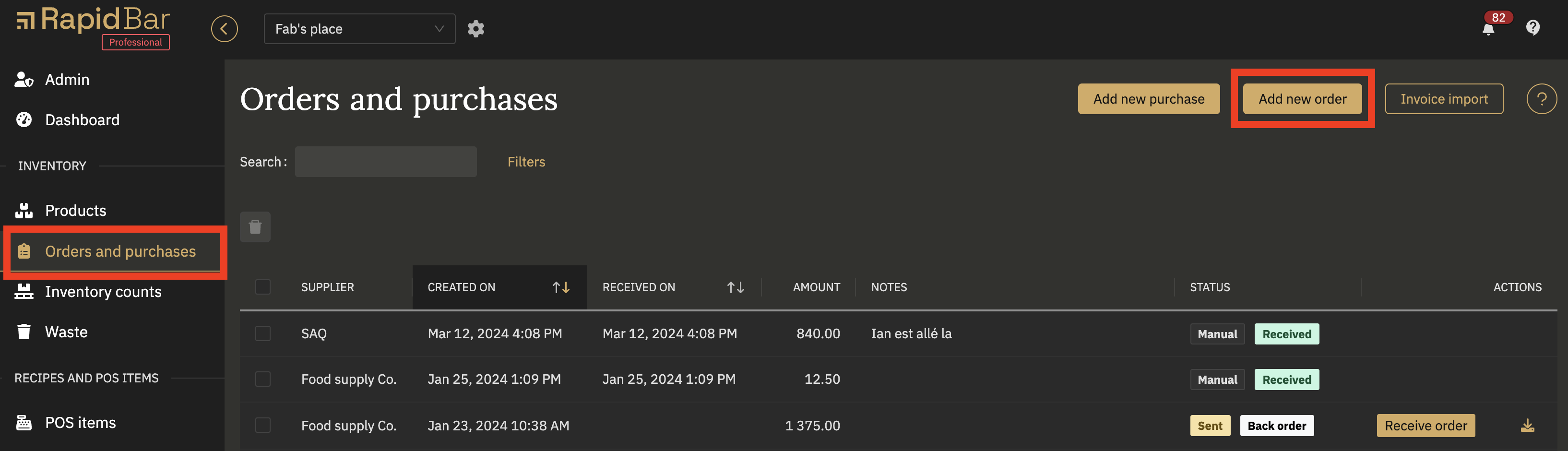
- In the New supplier order modal, select a supplier
- Adjust the interval if different from the preset value. tip: the interval is the number of days that you wish to order for. E.g. if you want to order product to last for one week, the interval should be 7 days
- Review the order suggestion and edit it as desired
- As long as the order status is set to “New”, you can save this order and come back to it later to make additional edits
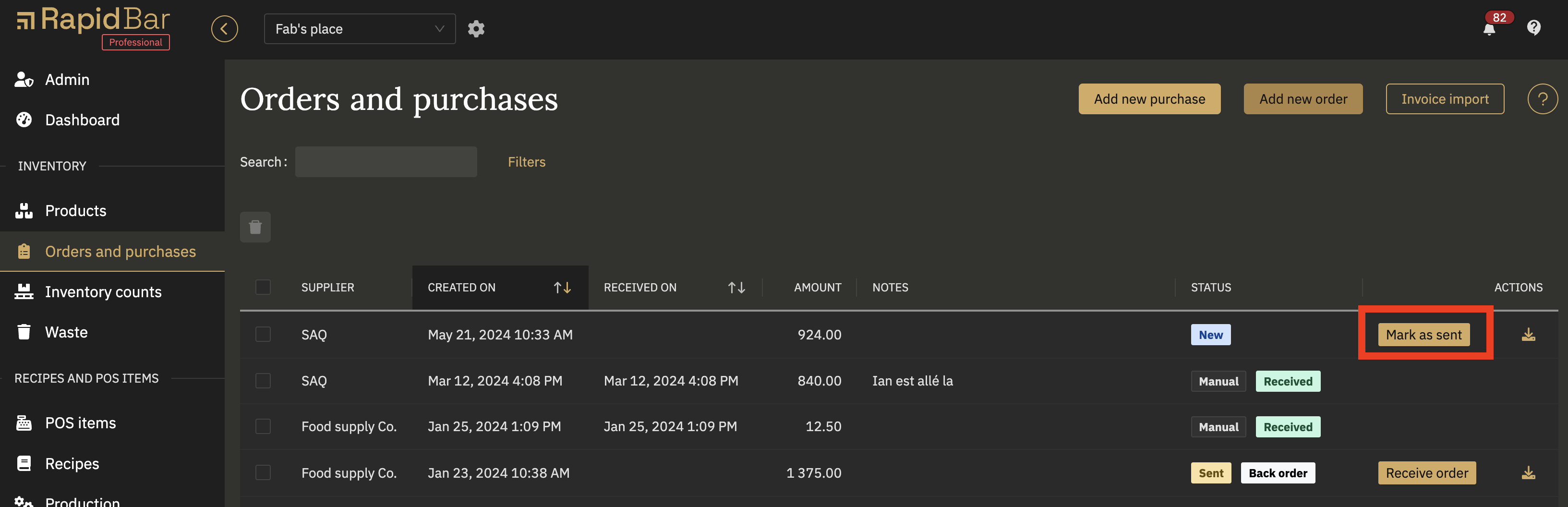
- You can then email a copy of the order to your supplier (only if you added the supplier’s email under: Location settings > Supplier) or download it and send it manually
- When you receive the order, mark it as received and the products included in the order will be added to your inventory on-hand at the date of reception.
Invoice import
This options does work with selected suppliers only.
- Follow the instructions to upload and import your invoice file
With this method, the products included in the purchase will be added to your inventory on-hand at the selected date.